On this page
One incident from failure to recovery
Every plan opens automatic incidents from monitor failures. For regional probe monitors, the incident opens only after the configured quorum confirms the failure. It remains open until the recovery quorum is reached.
Perstat keeps at most one open automatic incident per monitor. The timeline keeps the failure, notifications, ownership, and recovery attached to that event.
While a scheduled maintenance window is active, no new automatic incident opens.
Acknowledge and snooze answer different questions
Acknowledging stops the escalation and quiets every other device. It is a team-level statement that someone has taken the incident.
Snooze is personal and temporary. The web critical-alarm view can silence the incident for 15 minutes without making the person who snoozed it the owner. Use acknowledgment for responsibility and snooze for a short interruption that leaves the team state unchanged.
Perstat sends events to chat, paging, and webhooks
Perstat sends incident open and recovery events to these destinations:
- Chat: Slack, Microsoft Teams, Discord, and Google Chat
- Paging: PagerDuty and Opsgenie
- Webhooks: signed webhooks
Native push is available on iPhone and Apple Watch. The browser can show a full-screen critical alarm with sound and controls to acknowledge and snooze.
The chat, paging, and webhook integrations are outbound. Acknowledge and resolve in Perstat or through an authorized MCP action, not inside the chat or paging destination. The complete channel boundary is on the integrations page.
Choose between personal SMS and an on-call rotation
Personal SMS alerts start with Pulse. Each person opts in and receives one SMS per critical incident. No on-call schedule is required.
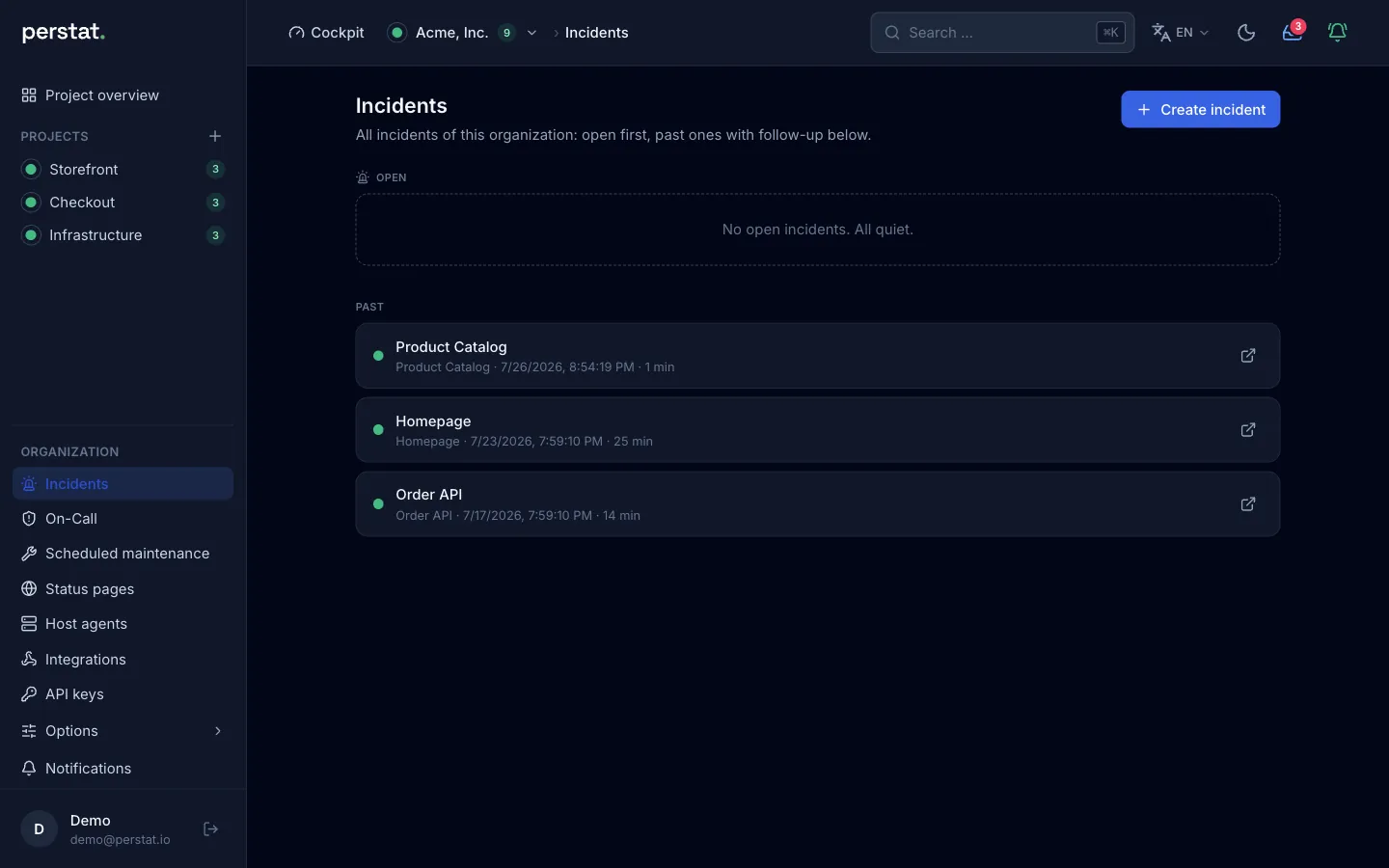
Sentinel adds on-call schedules, manual and weekly rotation, and timed escalation stages. The escalation can move from push to SMS to a phone call until someone acknowledges.
Phone calls exist only inside on-call escalation and are capped at 2 per incident. SMS and phone calls require a number verified by one-time code.
What on-call covers
| Topic | How it works |
|---|---|
| Roster | One per organization, manual or weekly rotation |
| Handover | In the organization’s time zone |
| Escalation steps | A time, recipients, and channels per step |
| Recipients | On duty, a person, a role, owners and admins, or a connector |
| Nobody on duty | The last step applies at once |
| Phone calls | At most 2 per incident, verified numbers only |
| Dependent alarms | Held for 1 minute to 24 hours while an origin monitor is down |
Manual incidents and follow-up stay deliberate
From Sentinel, a responder can open an incident manually, including an event that no monitor opened. Impact, cause, lessons, and actions with owners stay attached to the incident in its post-mortem.
The workflow gives the team one place to record the event and its follow-up. It is not an automatic regulatory report.
See on-call and the iPhone alert

Post-mortems
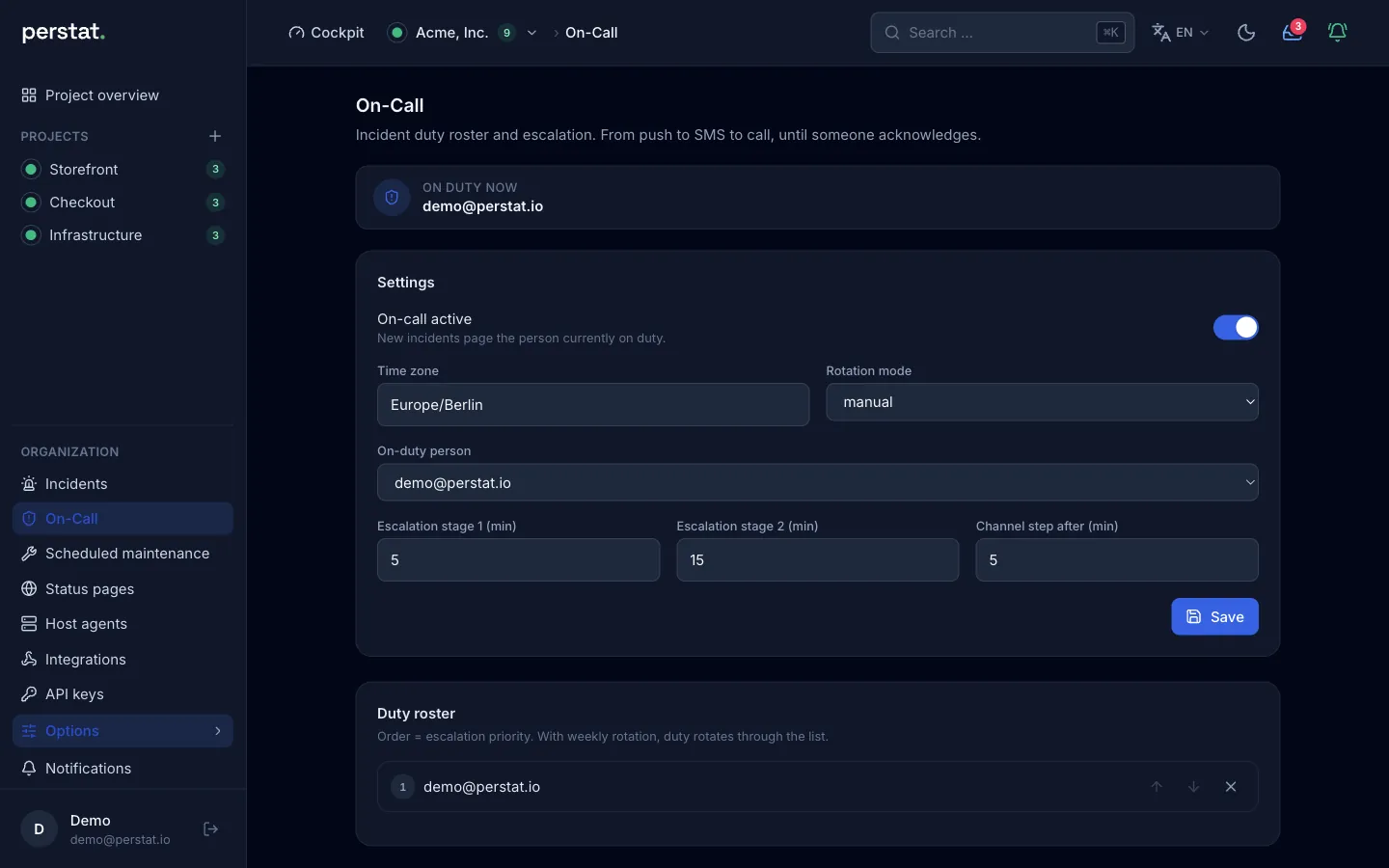
A post-mortem is the review step inside the incident workflow.
Follow-up belongs to the incident
Automatic incident records exist in every plan. Sentinel adds manual incidents, post-mortems, and actions. The review stays attached to the event instead of spreading the timeline, findings, and owners across chat and a separate document store.
Turn findings into owned actions
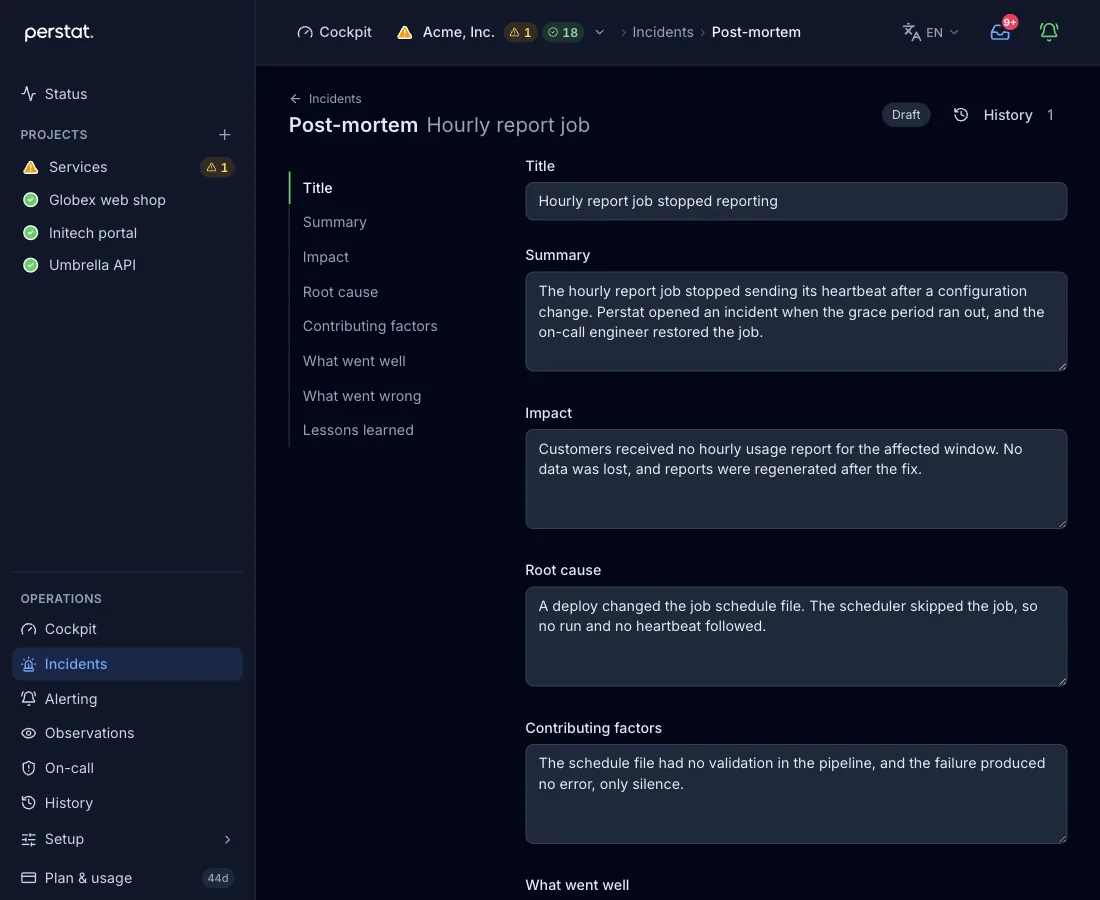
A post-mortem captures impact, root cause, lessons, and action items. An action can carry an owner, so the operational follow-up stays next to the incident that created it.
Publishing is a separate decision
Publishing a manual incident or post-mortem to a chosen status page is an explicit action. Saving the internal review alone does not make it customer-facing. The selected status page keeps its own access and publication configuration.
Inspect the real product surface
Post-mortem limits
Perstat does not describe the post-mortem as an immutable or tamper-proof record. It is not an assurance report, a regulatory filing, or a self-service SLA export.
The availability record keeps the raw timeline, the curated outage record, and activity separate. That page also explains retention and the current manual export boundary.
Read the incident documentation or compare the Sentinel plan.
Plans set the response path
| Capability | Starts with |
|---|---|
| Automatic incidents and acknowledgment | Free |
| Personal SMS alert | Pulse |
| On-call schedules, rotation, SMS, and phone-call stages | Sentinel |
| Manual incidents, post-mortems, and actions | Sentinel |
There is no native Android app today. SMS and on-call calls work without an Apple device. Exact allowances and limits are on pricing.
Start monitoring free, or configure the response path with the alerting and on-call documentation.